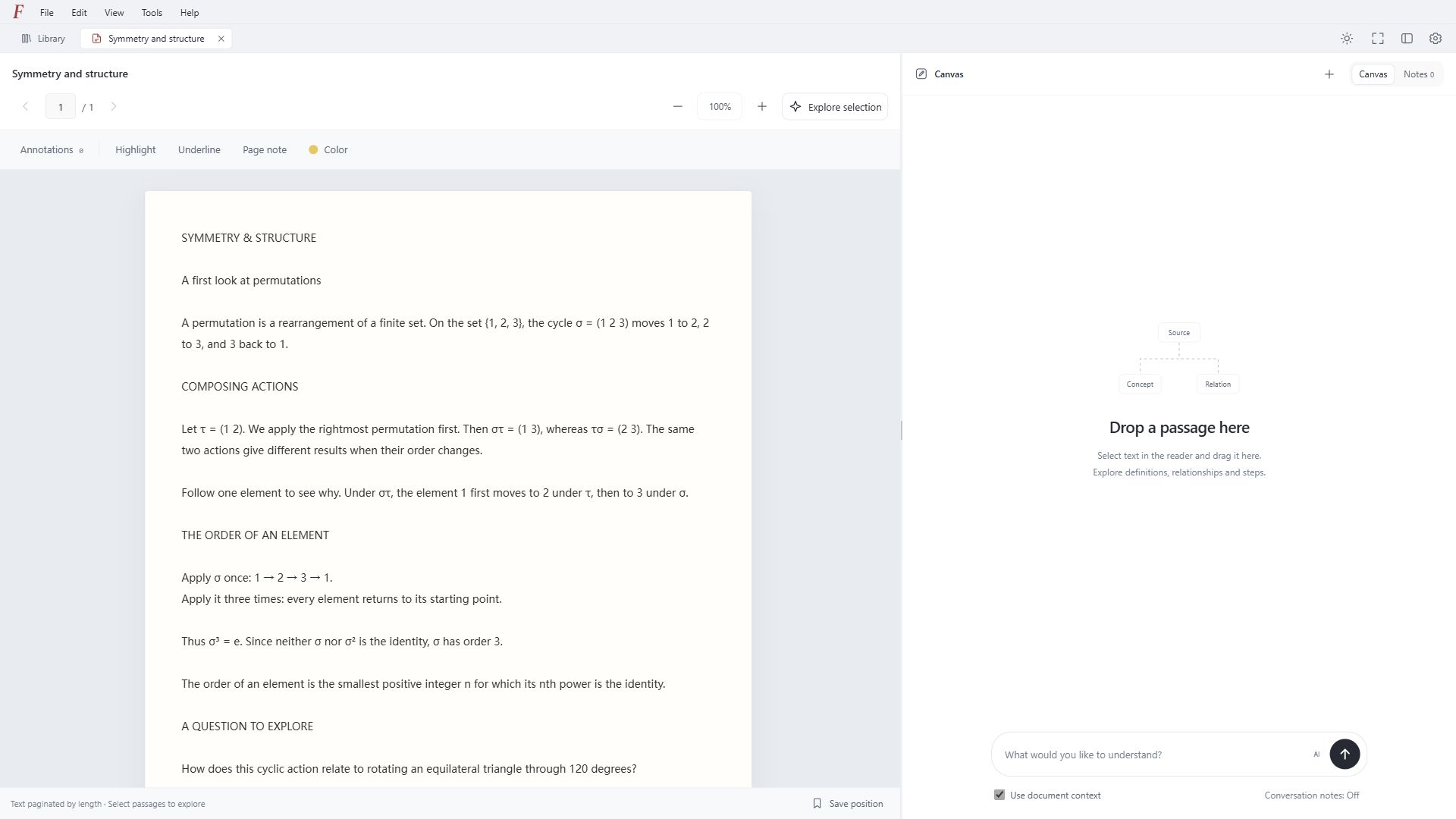
Windows: run the EXE and choose an installation folder and optional desktop shortcut. macOS 13 or later: open the DMG for your chip and drag Folio into Applications. Linux: open the DEB with your software installer, or run sudo apt install ./Folio-1.0.0-beta.9-r4-linux-x64.deb. Connect your document folder, then paste your own API key in Settings if you want AI.
Can I use it without AI?
Yes. Reading, the local library, annotations and notes work without a model key. AI explanations and newly generated interactive views need your own model service. Saved experiments and local OCR work without a key.
What does this beta support?
PDF, TXT and Markdown, Chinese and English interfaces, and local OCR for printed text. Check complex formulas against the original image. 3D supports cube, tetrahedron and octahedron rotations, not arbitrary generated scenes. Zotero RDF import is one-way, not two-way sync.
How do I update or send feedback?
Close Folio before updating: run the new Windows installer, replace the macOS app in Applications, or install the newer Linux DEB. Removing the application keeps personal documents, notes and settings. Back up your workspace regularly; document copies are optional and API keys are excluded. For problems or suggestions, open an issue on GitHub. Avoid posting private documents or API keys.