Bookkeeper Document Collection — The Monthly Systems Guide
Bookkeepers collect the same documents from the same clients every single month. That rhythm is an advantage — but only if the collection system is built to exploit it. Here is how to stop treating monthly collection like a new project each time.
On this page
- Why monthly collection stays manual
- The monthly document set — by entity type
- What a systematised monthly cycle looks like
- Building the recurring collection system
- The reusable monthly request template
- The metrics that tell you if your system is working
- The client segment that changes everything
- The compounding advantage
Bookkeeping has one structural advantage over every other accounting engagement type: the documents are predictable. Same client, same document categories, same frequency — every month. Bank statements, credit card statements, payroll records, receipts. Month after month, engagement after engagement.
That predictability is an asset. For most bookkeepers, it is also completely unexploited. The monthly collection cycle — which should be a five-minute automated operation — gets rebuilt as a manual project at the start of every month, for every client, by someone who has more valuable things to do.
The compounding opportunity
A bookkeeper managing 20 monthly clients who spends 20 minutes per client per month on document collection setup is spending 80 hours per year on work that should take under 4 hours. At a $60/hr billing rate, that is $4,800 per year left on the table — not from slow clients, but from a collection process that does not exploit its own repeatability.
Why monthly collection stays manual
Bookkeepers do not keep rebuilding their monthly collection manually because they enjoy it. They do it because the tools they use — email threads, shared drives, ad-hoc messages — have no native concept of a recurring, structured request. Without a system that supports recurring templates, every month is month one.
Signs your monthly collection is not systematised
- You compose a new document request message for each client at the start of every month.
- Client submission status lives in your email inbox — you check it by scanning threads.
- You send reminders manually when you notice a client has not submitted yet.
- You receive documents in different formats from different clients because there are no guardrails.
- The same clients are always late — and you know who they are, but the system treats them identically to prompt ones.
- You cannot tell at a glance, across all clients, what is outstanding versus complete.
The monthly document set — by entity type
This is the standard monthly document set for the four entity types bookkeepers most commonly work with. Use this to build or validate your recurring templates.
Monthly document requirements by entity type
| Document | Sole Trader / LLC | S-Corp | C-Corp | Payroll-only client |
|---|---|---|---|---|
| Bank statements — all accounts | ✓ | ✓ | ✓ | — |
| Credit card statements — all cards | ✓ | ✓ | ✓ | — |
| Receipts / expense documentation | ✓ | ✓ | ✓ | — |
| Sales records / invoicing export | ✓ | ✓ | ✓ | — |
| Payroll reports (if processed externally) | — | ✓ | ✓ | ✓ |
| Employee hours (if variable pay) | — | — | — | ✓ |
| Loan / line of credit statements | ✓ | ✓ | ✓ | — |
| Owner draw or distribution records | — | ✓ | — | — |
| Subcontractor / 1099 vendor invoices | ✓ | ✓ | ✓ | — |
What a systematised monthly cycle looks like
The difference between a manual monthly cycle and a systematised one is not a different set of tasks — it is a different distribution of when the work happens. In a systematised cycle, the work happens once (when you build the template) rather than twelve times a year per client.
Manual monthly collection vs systematised monthly collection
| Activity | Manual cycle | Systematised cycle |
|---|---|---|
| Sending the monthly request | Compose a new message for each client at month start | Recurring template fires automatically on the configured date |
| Specifying what is needed | Written freshly each time — varies in clarity and completeness | Fixed checklist per entity type — consistent, machine-readable |
| Client access to their request | Reply to the right email thread (or start a new one) | Magic link to their checklist — always accessible, one tap |
| Reminder when client is late | Manual — you notice the gap and compose a follow-up | Automated — fires at T-3 and T-0, stops on completion |
| Knowing what is outstanding | Scan inbox, check last email exchange, recall from memory | Dashboard — one view, all clients, current status |
| Handling wrong-format submissions | Individual correction email per event | Format guidance in the template prevents most events at source |
Building the recurring collection system
This is the one-time setup work that makes every subsequent month a copy-paste operation.
Monthly collection system setup
Audit your current document categories by client type
List every document you regularly request across your client base, grouped by entity type. This is the raw material for your template library. Do not work from memory — pull the last three months of request records and build the list from what you actually collect.
Build one template per entity type
For each entity type in your client base, create a fixed-item template. Every item should have: the exact document name, the format required (PDF bank export vs CSV transaction download vs receipt PDF), whether it is required or optional, and what counts as a complete submission. Ambiguity in the template is the primary driver of wrong-format submissions.
See the request template structure guide for the five-block format that eliminates most clarification overhead.
Configure the recurring schedule
Set the send date for each client’s monthly request — typically the 1st or 2nd of the following month for the prior month’s documents. For payroll clients, align with your payroll processing date. Set the due date 7–10 days after the send date to give clients a clear submission window.
Set differentiated reminder sequences by client reliability
Not all clients need the same reminder sequence. Clients who consistently submit within 48 hours should not receive the same reminder volume as clients who always need three nudges. Configure your reminder cadence by client segment:
- Prompt clients: one reminder at T-3 only
- Standard clients: T-5 and T-2 reminders
- Chronic late submitters: T-7, T-3, T-1, and a personal message at T+0
See how to automate client document reminders for the full cadence design framework.
Define your escalation protocol
Automated reminders handle the routine cases. You need a clear trigger for when a human intervenes. The standard pattern: if a client has not submitted any documents by T+2 (two days after the due date), a team member makes direct contact — call or text, not email. Document the contact attempt and the agreed resolution in the client record.
The reusable monthly request template
Monthly Bookkeeping — [MONTH] [YEAR]
Client: [CLIENT_NAME]
Due: [DUE_DATE], 5:00 pm

REQUIRED — Processing cannot begin without these items:
─────────────────────────────────────────────────────
[ ] Bank statement — [ACCOUNT_NAME] — PDF export, all pages
[ ] Bank statement — [ACCOUNT_NAME_2] — PDF export, all pages (if applicable)
[ ] Credit card statement — all cards used for business — PDF, all pages
[ ] Receipts for cash or out-of-pocket expenses over $50

REQUIRED IF APPLICABLE TO YOUR SITUATION:
─────────────────────────────────────────────────────
[ ] Loan / line of credit statement (if active)
[ ] Payroll report from your payroll provider (if not Folio-managed)
[ ] Subcontractor invoices paid this month

FORMAT REQUIREMENTS:
─────────────────────────────────────────────────────
Bank statements: PDF export from your bank portal (not a photo)
Receipts: PDF or clear JPG/PNG — must show amount, vendor, and date
Credit cards: PDF from card issuer portal — all pages

YOUR SUBMISSION IS COMPLETE WHEN:
All required items are uploaded and marked confirmed.
You will receive a confirmation message immediately.
Processing begins within 2 business days of your complete submission.
Monthly document request template for sole trader and single-entity LLC clients. Customise the document list for each client's specific situation. Lock the format requirements — do not make them optional.
The metrics that tell you if your system is working
Monthly collection system health indicators
<5 days
median days to complete submission
From request send to confirmed complete. If over 5 days, audit your template clarity and reminder timing.
<15%
resubmission rate
Documents that require correction after initial submission. Industry average is 23%. Below 15% indicates strong template clarity.
>90%
on-time submission rate
Clients who complete before the due date. Below 80% indicates a reminder cadence or deadline communication problem.
If your submission rate is below 80%, the root cause is almost always one of three things: clients cannot access their request easily (friction), the due date is not communicated with enough salience (deadline clarity), or the template is ambiguous enough that clients delay because they are unsure what to submit (request clarity). All three are fixable at the system level.
The client segment that changes everything
Not all monthly clients are equal. Segmenting your client base by submission behaviour lets you calibrate your intervention intensity without spending energy on clients who do not need it.
Glossary
Submission reliability tier
A classification of monthly clients by their historical document submission behaviour. Tier 1 (prompt): submits within 48 hours of the request without reminders. Tier 2 (standard): submits within the request window with one or two automated reminders. Tier 3 (chronic late): consistently submits after the due date or requires direct contact. Tier classification should be reviewed quarterly and updated based on recent behaviour, not permanent reputation.
Related: Reminder cadence, Escalation protocol
Managing Tier 3 (chronic late) clients
Should I fire clients who are consistently late submitting documents?
Not immediately — but the calculation is worth running. A Tier 3 client who requires 45 minutes of direct follow-up per month is costing you 9 hours per year in non-billable time. At a $60/hr billing rate, that is $540 per year in overhead on top of your engagement fee. If the engagement does not price that overhead in, the client is effectively subsidised by your other clients. The options are: reprice the engagement to include a document management fee, restructure the access (direct bank feeds instead of monthly uploads), or exit the engagement.
How do I communicate the new system to existing clients without it feeling like a burden?
Frame it as a service upgrade, not a new requirement. “We’re moving all clients to a dedicated portal this month — it takes under two minutes for you to submit documents, and you’ll always be able to see what’s outstanding.” The client’s first experience of the portal usually converts their attitude. The friction is in the transition, not the system itself.
What if a client refuses to use the portal and insists on emailing documents?
You have three options. First, accept email submissions and manually transfer them to the portal to maintain your structured record — this costs you time but maintains system integrity. Second, price email submission at a higher rate than portal submission to reflect the handling overhead. Third, include portal use as a non-negotiable part of your engagement terms for new clients, while grandfathering existing holdouts. Most firms find that 95%+ of clients adapt to a well-designed portal within two cycles.
The compounding advantage
The most important property of a systematised monthly collection cycle is not what it saves in month one. It is what it saves over three years.
Value accumulation in a systematised monthly collection system
Month 1
Template build and configuration
One-time investment: 2–4 hours to build templates for all entity types, configure recurring schedules, and set reminder sequences. This is the only month where collection requires material setup effort.
Months 2–6
System calibration
Minor adjustments based on real submission data. Update templates where document types generate resubmissions. Reclassify client tiers based on observed behaviour. No rebuilding — only refinement.
Month 6+
Steady-state operation
Monthly collection requires under 30 minutes of human attention across all clients: review the dashboard, intervene on the 2–3 clients who have not submitted by T+2, and process completed submissions. The reminder system handles the rest.
Year 2
Compounding returns
Every new client added to the system uses an existing template. Setup time per new client: under 10 minutes. The system scales without proportional overhead growth — which is the operational foundation of a firm that can add clients without adding headcount.
Purpose-built collection portal vs configuring a general project management tool for bookkeeping collection
Pros
- Native recurring template support — no workarounds or custom automations to build.
- Client-side experience is designed for document upload — not adapted from a task management interface.
- Reminders stop on completion automatically — a critical feature that generic tools require custom logic to achieve.
- Audit trail per document for compliance — not available in most project management tools natively.
Cons
- Narrower feature surface — does not replace a full practice management system.
- If you need CRM, billing, and collection in one tool, a purpose-built portal requires a complementary tool for the other functions.
Monthly collection should take 30 minutes, not 4 hours
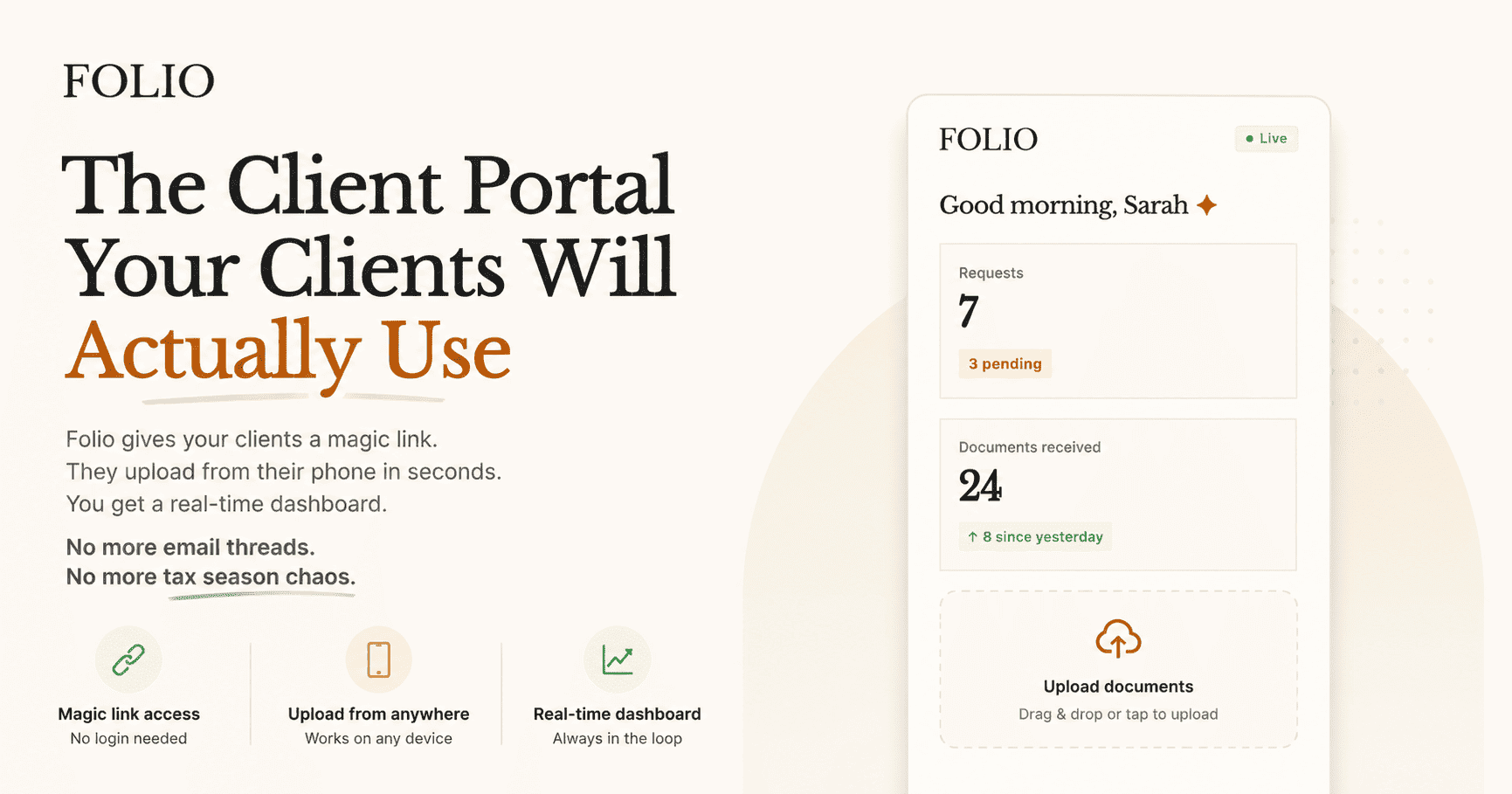
Folio’s recurring portal templates let you send structured document requests to every monthly client on a fixed schedule. Reminders fire automatically and stop when clients complete. Your dashboard shows the status of every client at a glance. The 4-hour monthly rebuild becomes a 30-minute dashboard check.
Stay close
Automate your monthly collection cycle
Folio's recurring portal templates let you send the same structured request to every client on the same schedule — automatically. No rebuilding. No manual tracking.
See all featuresRelated posts
How to Automate Client Document Reminders Without Annoying Anyone
Manual reminders waste operator time and irritate clients. Automated reminders work when they are contextual, stop on completion, and escalate with purpose.
Read article →What Good Request Templates Actually Look Like
A good template lowers support overhead and increases first-pass completion quality by making expectations explicit.
Read article →